

XThe Reselling Community Loves Vendoo

Fill out the information below
to watch how Vendoo works!

Oops! Something went wrong while submitting the form.

Facebook Marketplace Listing Tool

List once and cross-post to Facebook Marketplace and other platforms.
Vendoo creates listings once, publishes across 10+ marketplaces, and auto-delists items when sold.

Start My Free Trial

How the Vendoo listing tool works with Facebook Marketplace

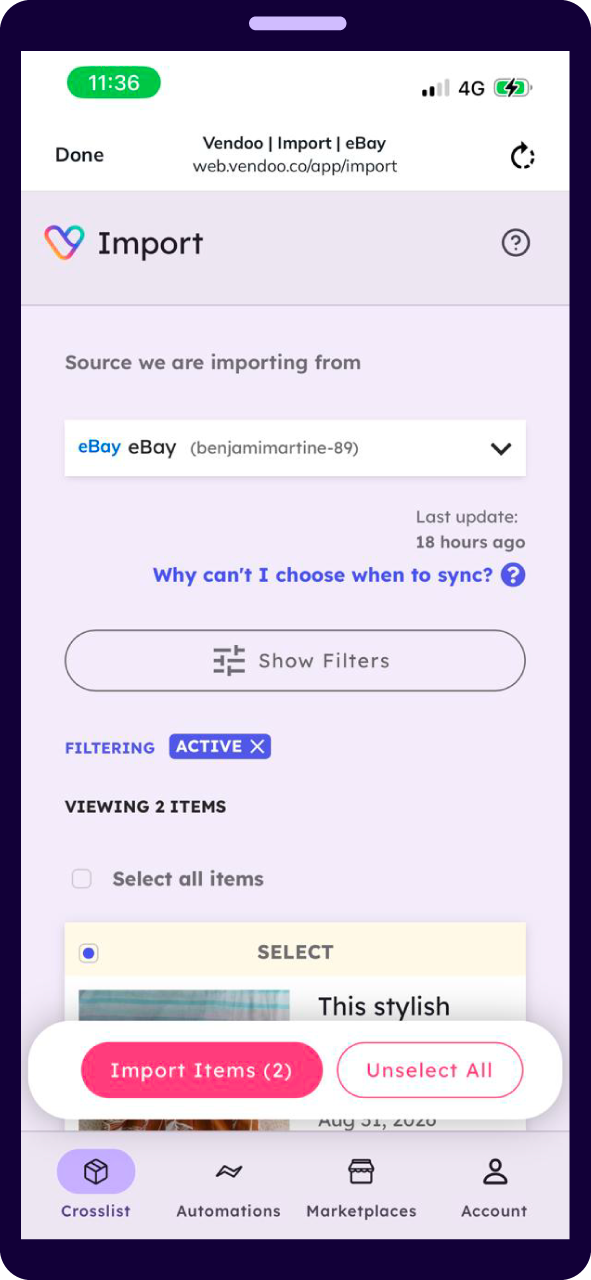
Connect Facebook Marketplace

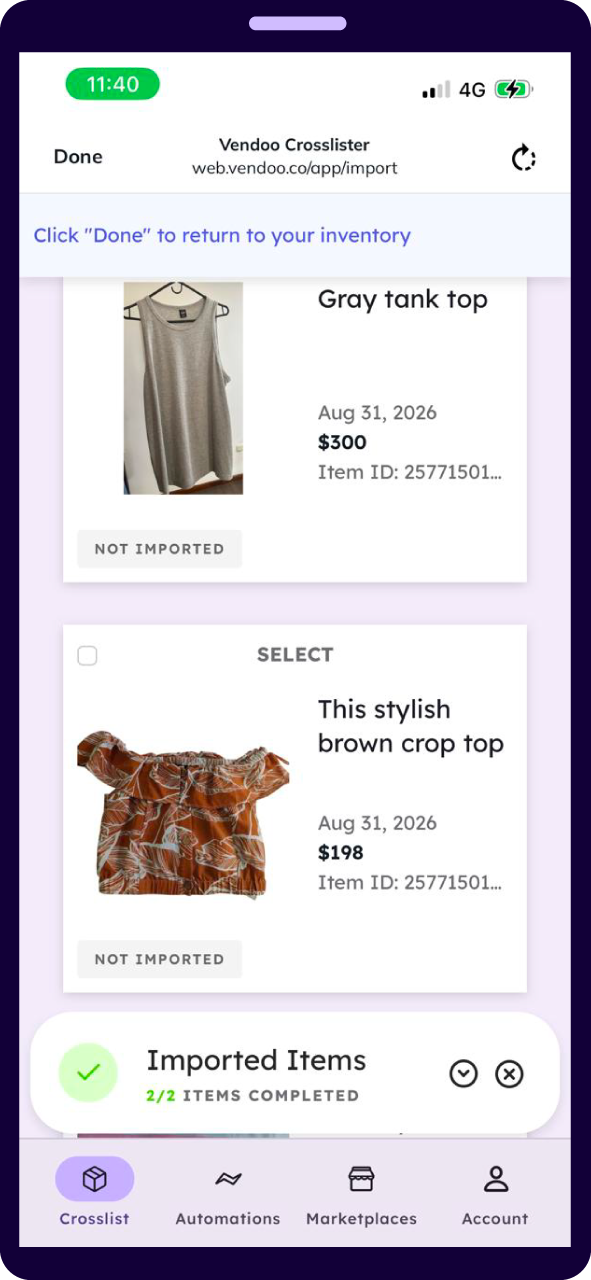
 Link it up and Vendoo pulls your live listings in — photos, title, description, category, condition and price.

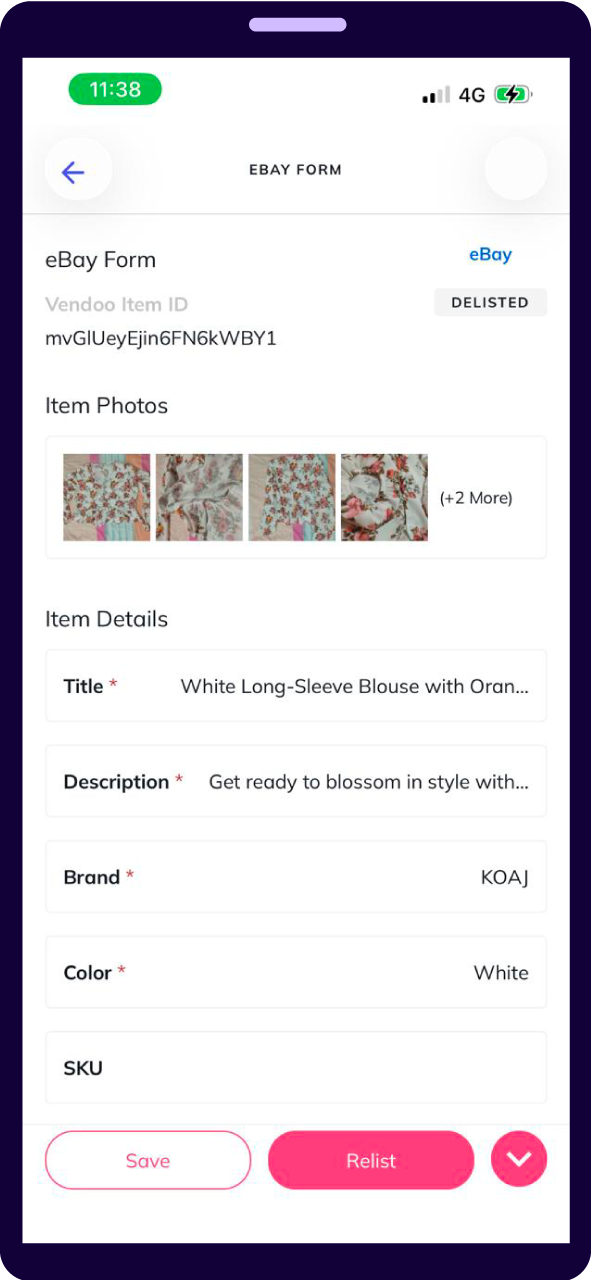
 Fill the form once

A single form covers every marketplace. Adjust anything per destination, or accept what is there and carry on.

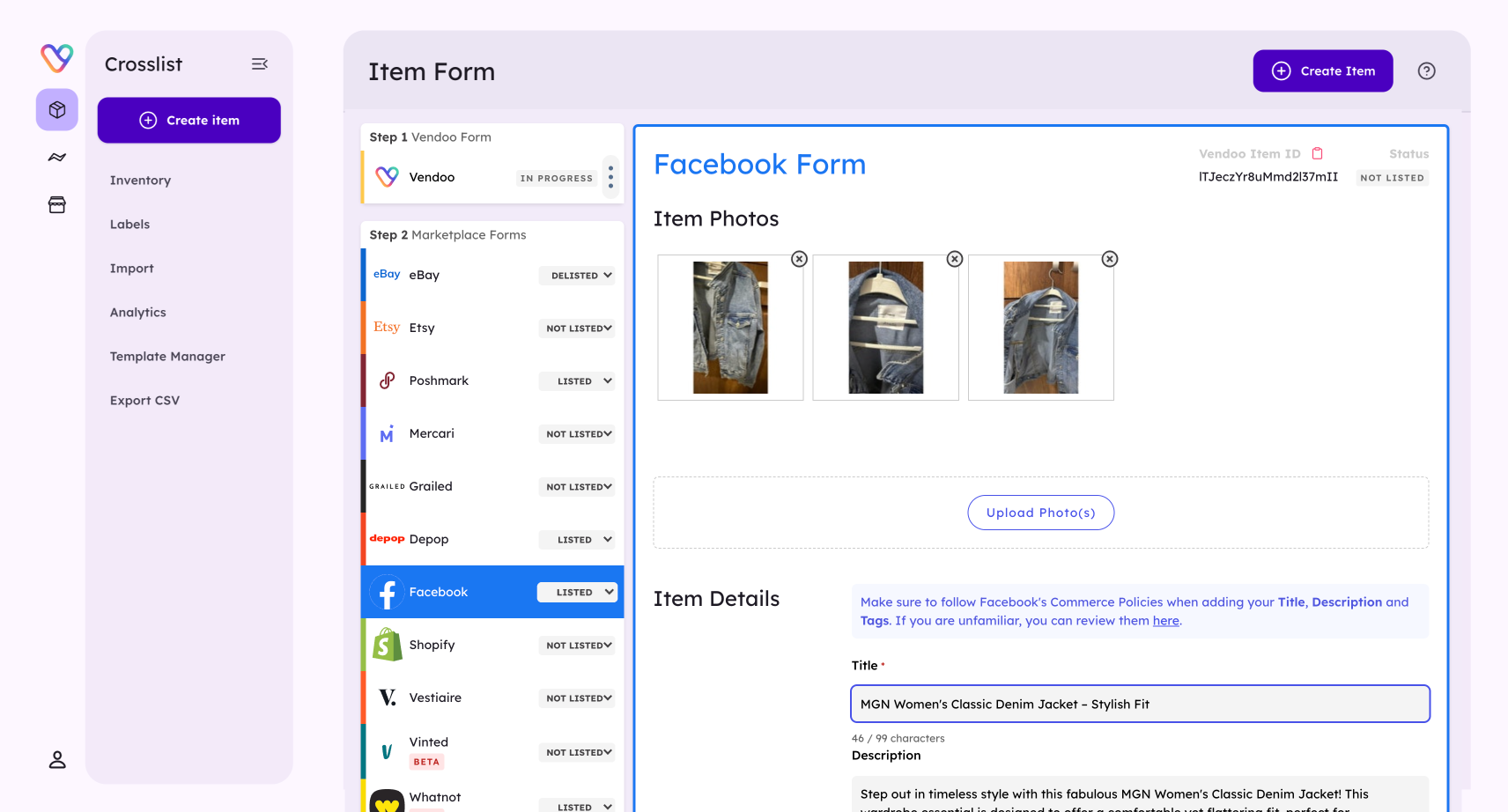
Post it everywhere

Publish to Facebook Marketplace and every other marketplace you sell on at the same time. Sold items come down elsewhere by themselves.

What actually transfers to Facebook Marketplace

Cross-listing is easy to promise and awkFacebook Marketplace is not built like the other marketplaces you sell on, so cross-listing to it needs a few things handled properly. Here is what Vendoo does.ward in practice, because every marketplace wants the listing described differently. Here is what Vendoo does with an eBay listing on the way out.

Shipping and local listings

Choose whether an item goes out as a shipped listing or a local pickup listing — the two behave differently on Facebook and Vendoo keeps them straight.

Categories

Facebook's category tree is its own. Vendoo maps your listing into it rather than leaving you to re-pick it by hand.

Photos and description

Images and copy move together, resized to whatever proportions the destination expects.

Price

Adjustable per marketplace before you publish, so you can price for Facebook's 10% shipped-order fee separately from your local listings, which stay free.

When it sells

The item comes off your other marketplaces on its own.

One tool, every marketplace you post to

Vendoo connects to 10+ marketplaces. Post from Facebook Marketplace out to any of them, or bring listings in from any of them — same form, both ways.


Listing on Facebook Marketplace with Vendoo vs. without

Without Vendoo

You write the listing for Facebook, then start again for every other place you sell.

With Vendoo

Build the listing once and it posts everywhere you sell.

Without VendooItems sitting on one marketplace when they could be on ten
With VendooWhat you list on Facebook Marketplace is live on every other marketplace too
Without VendooOld listings stop showing up and nothing tells you
With VendooRelist in bulk so items keep appearing in results
Without VendooThe same item goes to two buyers and someone gets cancelled on
With VendooOne sale clears the item from everywhere else automatically
Without VendooEvery price change is the same job repeated
With VendooEdit once and every marketplace updates

Sellers who list faster with Vendoo

81,000+ resellers · 78M+ listings created · 10+ marketplaces supported

"Vendoo has truly become an essential part of my reselling business. Being able to quickly list items across multiple platforms has helped me to increase my visibility and my sales. I especially love the delisting feature, which gives me peace of mind and removes the stress of double selling. It has made running my business so much smoother."

starts Icon
Kendall from The Style Second Hand

"Vendoo has given me confidence and a feeling of security. Cross-listing on Vendoo has opened my business to so many different avenues I wouldn't have explored otherwise, because it makes it so easy to do. The automatic sales detection and delisting feature is my absolute favorite. I can sell with confidence knowing that Vendoo will take down my listings for me if I sell something on one of my other sites."

starts Icon
Rebekah Allison

"I wouldn't be able to run my reselling business without Vendoo, and I certainly wouldn't have the time to do Youtube. Vendoo has taken 90% of the work and 99% of the mess of crosslisting, and has helped me more than double my sales from single marketplace selling. Between the increased reach for my listings, and the peace of mind their automated de-list feature affords me, it's absolutely integral to my success!"

Arrow
Arrow

Facebook Marketplace listing FAQs

List once, post everywhere

Build the listing once. Sell it everywhere. Get your first 14 days free.

Start My Free Trial

How To Sell on Facebook Marketplace: A Beginner’s Guide

Learn everything you need to know about selling on Facebook Marketplace! Whether you're a casual seller or looking to start a small business, this guide provides the essential steps and strategies to succeed.

What is Facebook Marketplace?

Facebook Marketplace is a platform where users can buy and sell pre-loved or new items of all kinds. Facebook reported 2.89 billion active users at the end of the second quarter of 2021.

Want to master selling on multiple marketplaces? Check out our Check out our Ultimate Guide to Online Reselling Platforms

How to Manage Your Facebook Marketplace Inventory with Vendoo:

With Vendoo’s Facebook Marketplace reselling integration, you can manage all your inventory and filter by drafts, active, and sold listings.

You can search, filter, sort, and segment your inventory in various ways, including by title, SKU, stalest listings, and the marketplaces they are listed on.

You can create color-coded custom labels that help you organize your listings. For instance, you can create a label for categories, sources, locations, or anything else to help you easily organize your inventory and get custom analytics by label.

Vendoo sorts all your unlisted drafts, active listings, and sold listings with relevant data and information you need to help with business management, bookkeeping, and tax preparation.

How to Sell Products on Facebook Marketplace

In order to sell on Facebook Marketplace, you will need an existing personal Facebook account; otherwise, if you create a new one, it will take a few months before you are eligible to sell and ship in all categories.

1. Open Facebook and log into your personal account.

2. Click on the Marketplace” icon to open FBMP.

3. Create a new listing and upload product photographs.

4. Fill out the information on the listing form and make sure to create a strong description.

5. You might also choose to share your listing to relevant Facebook Groups.

6. Publish the item, and keep listing! Stay tuned to your marketplace inbox for questions and offers.

How to Boost Facebook Marketplace Listings

Boosting your listings on Facebook Marketplace is a great way to reach new people with your products and give your listings more leverage. You can target specific locations and markets and also set how much of your budget you want to spend.

1

Head over to your marketplace profile and click on your account

2

Find the live product or listing you want to promote and click on “Promote Listing.”

3

Select the budget and duration that you want your promotion to run for

4

Select your audience (This applies to listings with shipping selected)

5

Add or verify your payment method and preview your ad

6

Click on “Promote Now” to boost your listing

Once you finish this process, your promotion will start running

Frequently Asked Questions about Facebook Marketplace

What is Facebook Marketplace?

Facebook Marketplace is an online platform where Facebook users can buy and sell new or pre-owned items locally or across broader regions. Launched in October 2016, it leverages Facebook's vast user base to connect sellers with potential buyers within their community or beyond. The platform is user-friendly, offering categories for various products, from electronics to home goods. It’s especially popular for reselling due to its widespread reach and easy integration with Facebook profiles.

How to start selling on Facebook Marketplace?

To start selling on Facebook Marketplace, you need an active personal Facebook account. Once logged in, navigate to the "Marketplace" tab on the sidebar. Click "Create New Listing," choose the appropriate category, and fill out the required details, such as product description, photos, price, and shipping options.
After completing the form, publish your listing. It's important to maintain clear communication with potential buyers and regularly update your listings to manage inventory effectively.

What are the best things to resell on Facebook Marketplace?

The best items to resell on Facebook Marketplace include children's clothing and accessories, electronics, home decor, and collectibles. High-demand products like video game consoles, small appliances, and brand-name fashion items tend to sell quickly. Seasonal goods and trending items also perform well. Sellers often find success with gently used, well-maintained products that appeal to a wide audience, allowing for quick turnover and consistent sales.

Is Facebook marketplace free?

Marketplace deducts a fee each time you make a sale with shipping. The selling fee is 5% per shipment or a flat fee of $0.40 for shipments of $8.00 or less. No fees apply to local transactions.

Do I need a business license to sell items on Facebook?

No, you don’t need a business license to sell items on Facebook Marketplace with a personal Facebook account.

What is the cheapest way to ship?

Sometimes, Facebook Marketplace offers the best shipping rates with prepaid labels- especially if they are having a promotion. You can also choose to ship on your own with your choice of carrier using a postage discount site.